Tutorial Tool

Manual translation Visual Novel Kirikiri engine for Android

dikihead
👤 Aug 7, 2021 💬 5 👍 13 🏆 13
Dec 2, 2021

Manual translation kirikiri engine Visual Novel, Using kirikiroid2.
Make sure backup your game first!
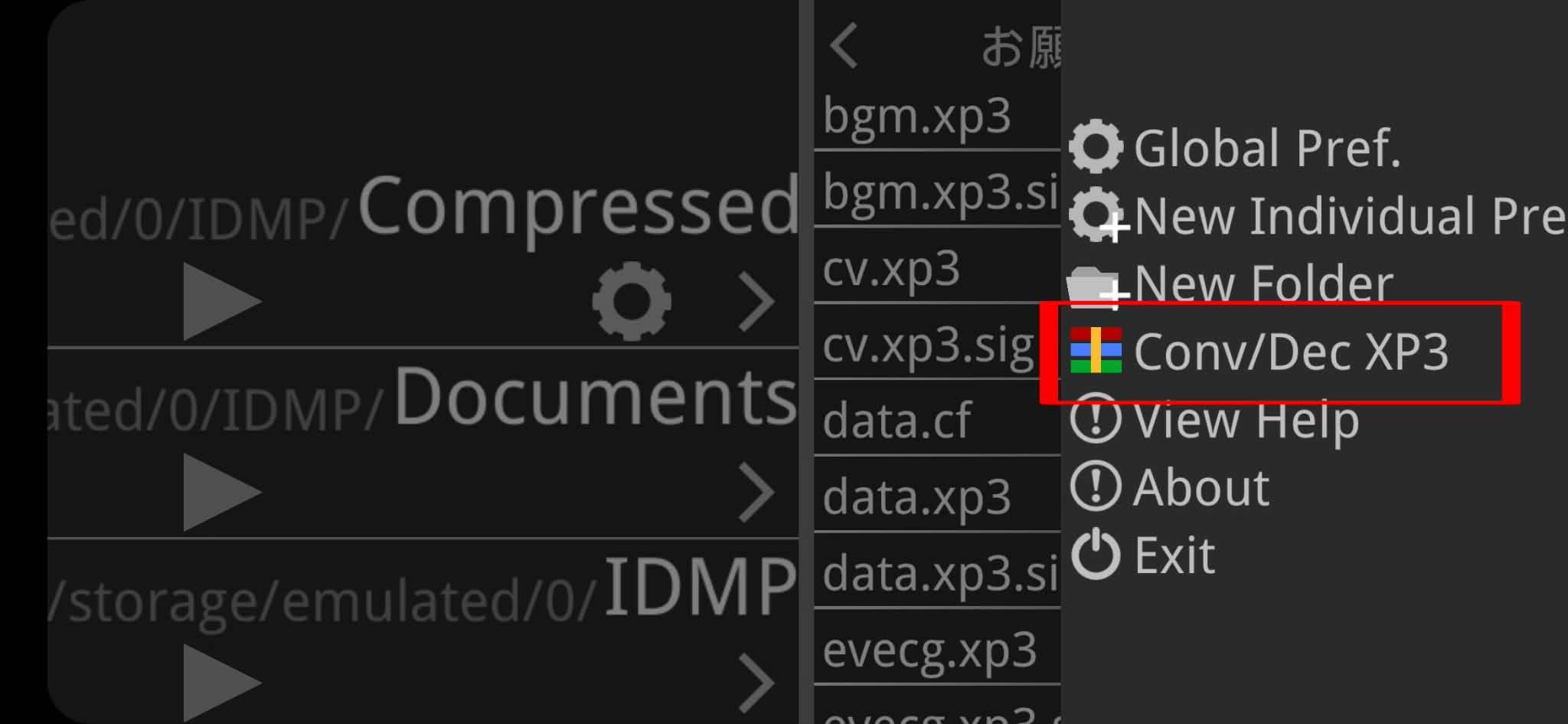
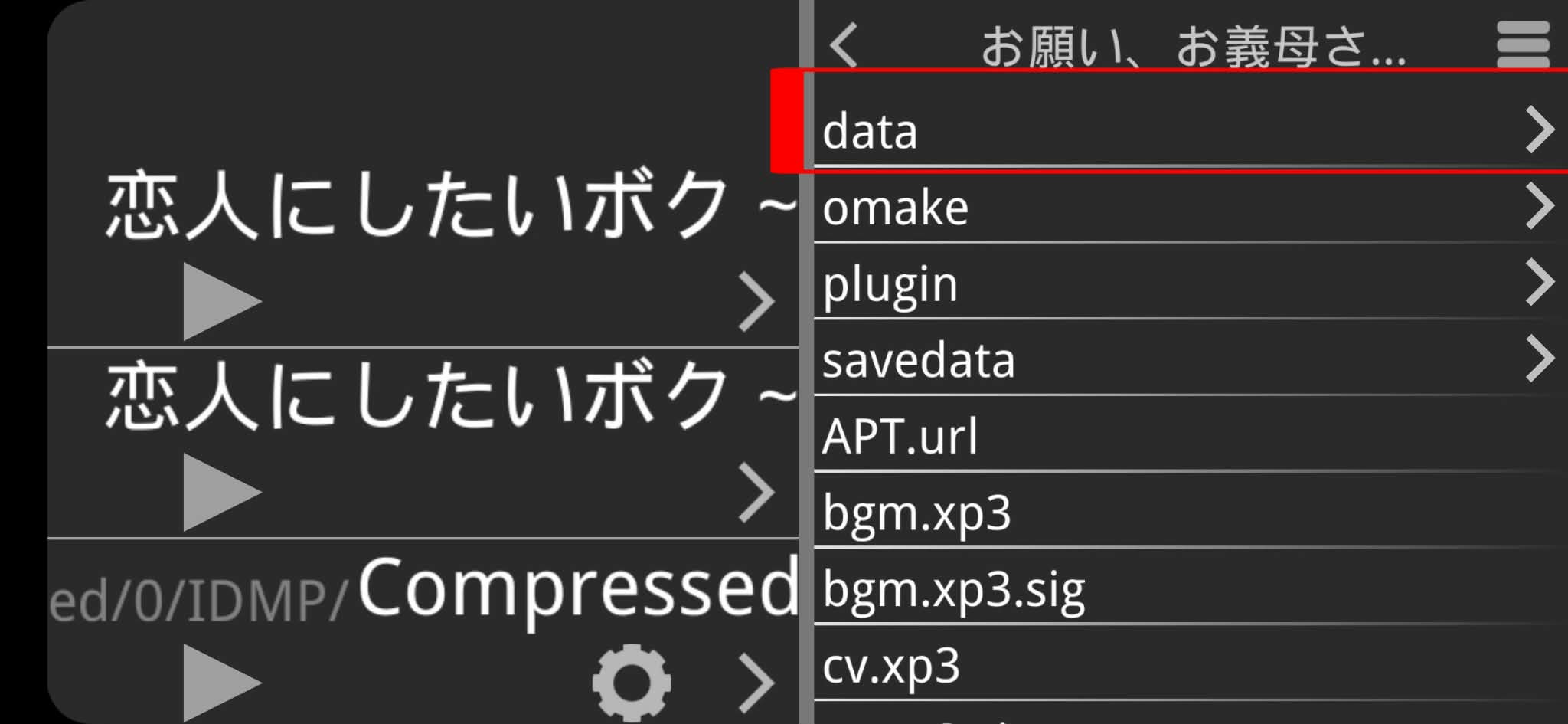
1. Open folder game go to kirikiroid2 setting
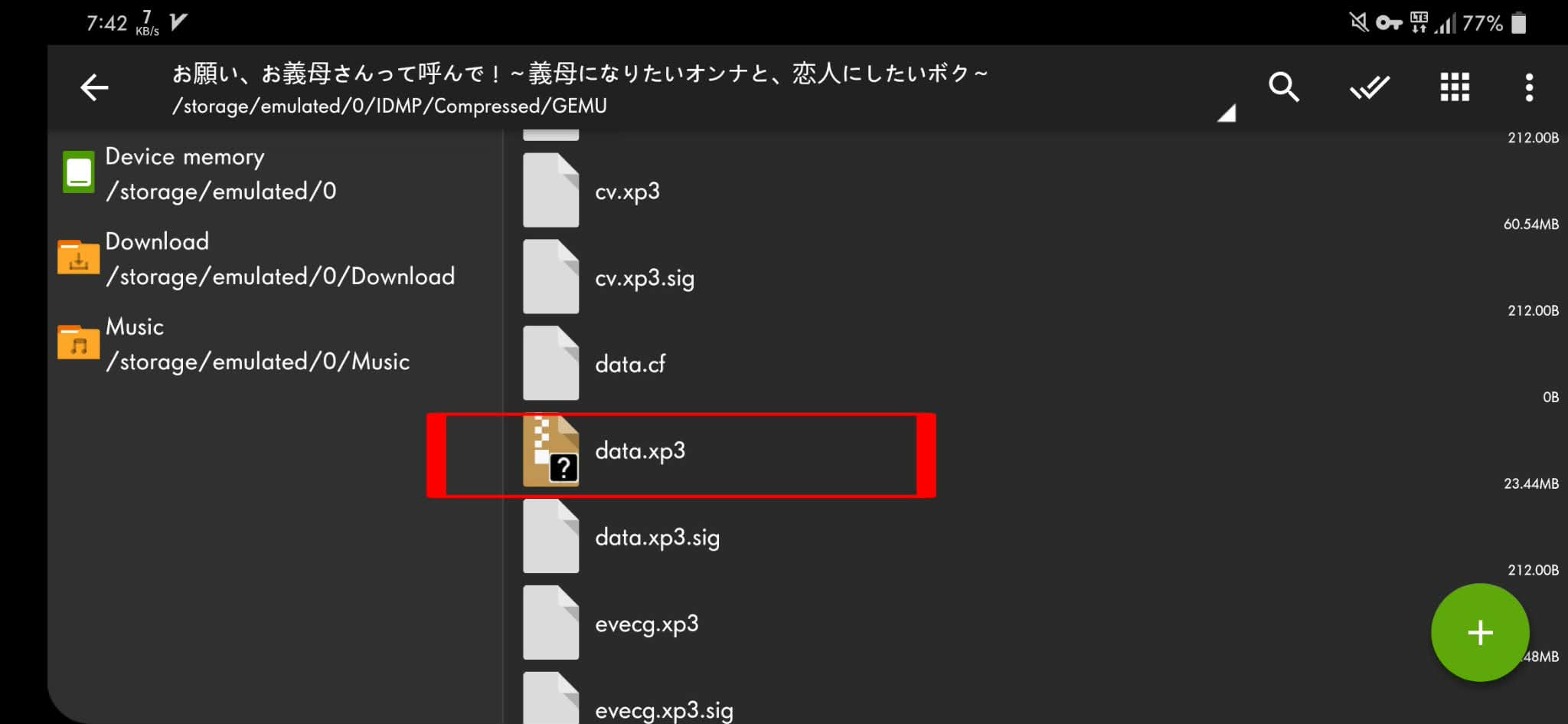
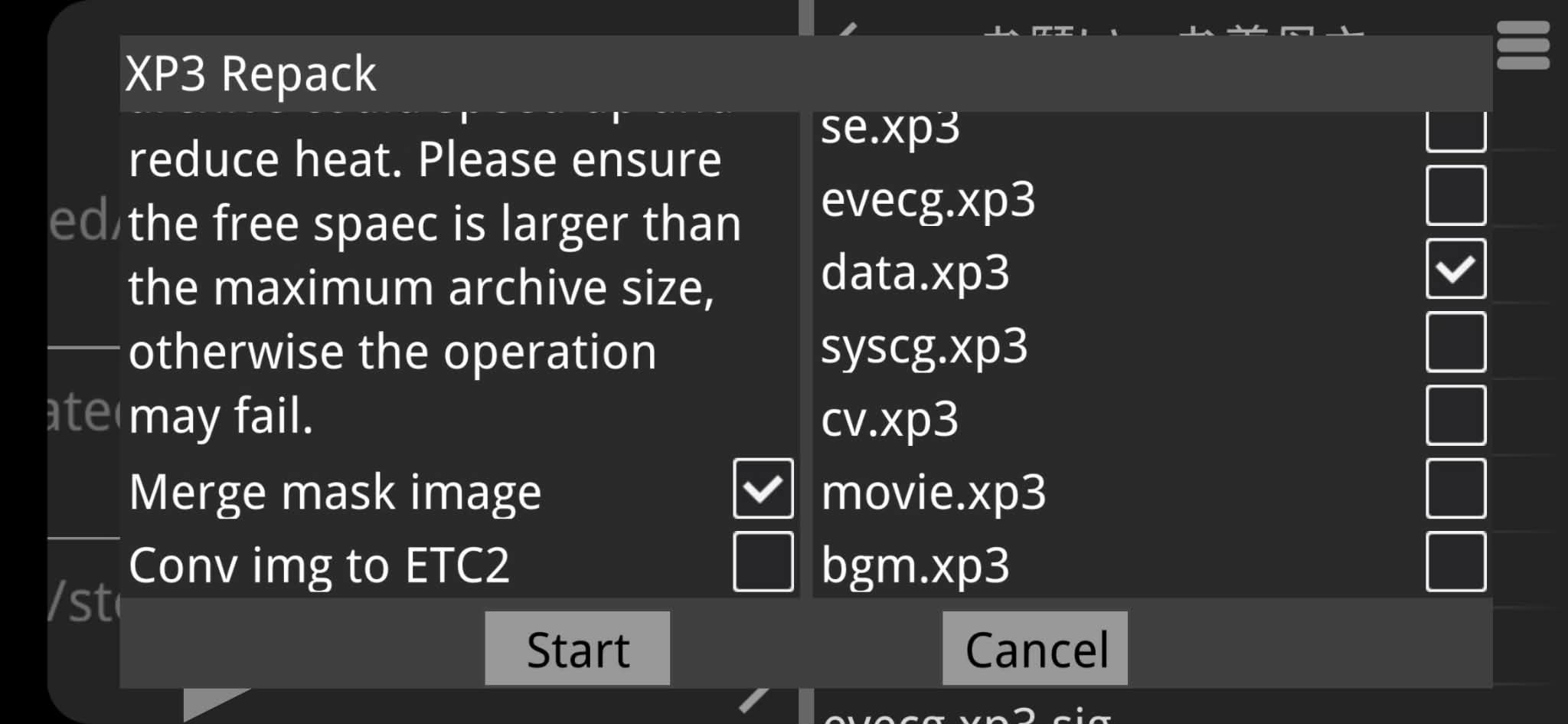
2. Decrypt only data.xp3, but if you understand what are you doing, you can decrypt another .xp3 file.
3. Wait until the process finished, after finished data.xp3 file can be extract using Zarchiver.
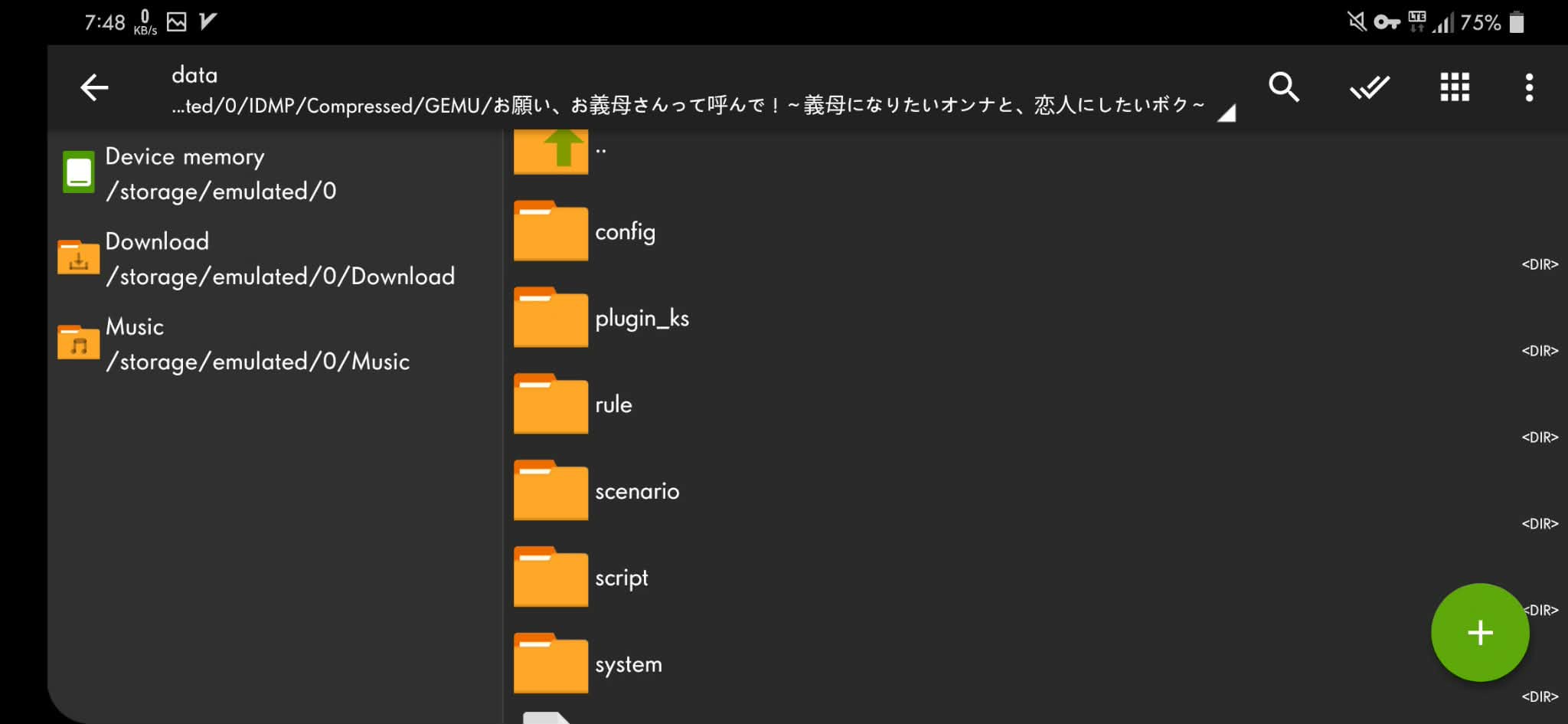
4. Extract data.xp3 file, inside data.xp3 file wil like this.
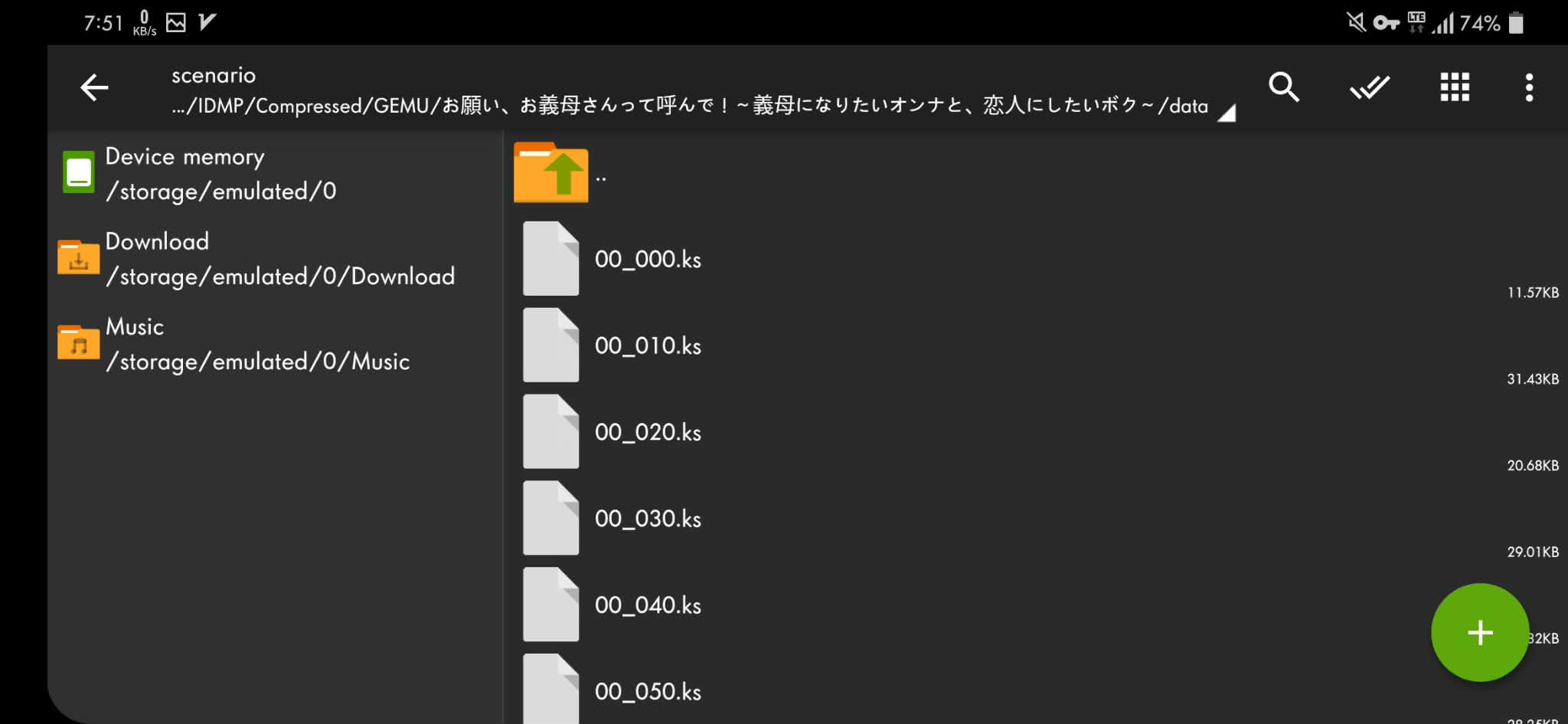
5. Go to folder scenario and open .ks file using text editor.
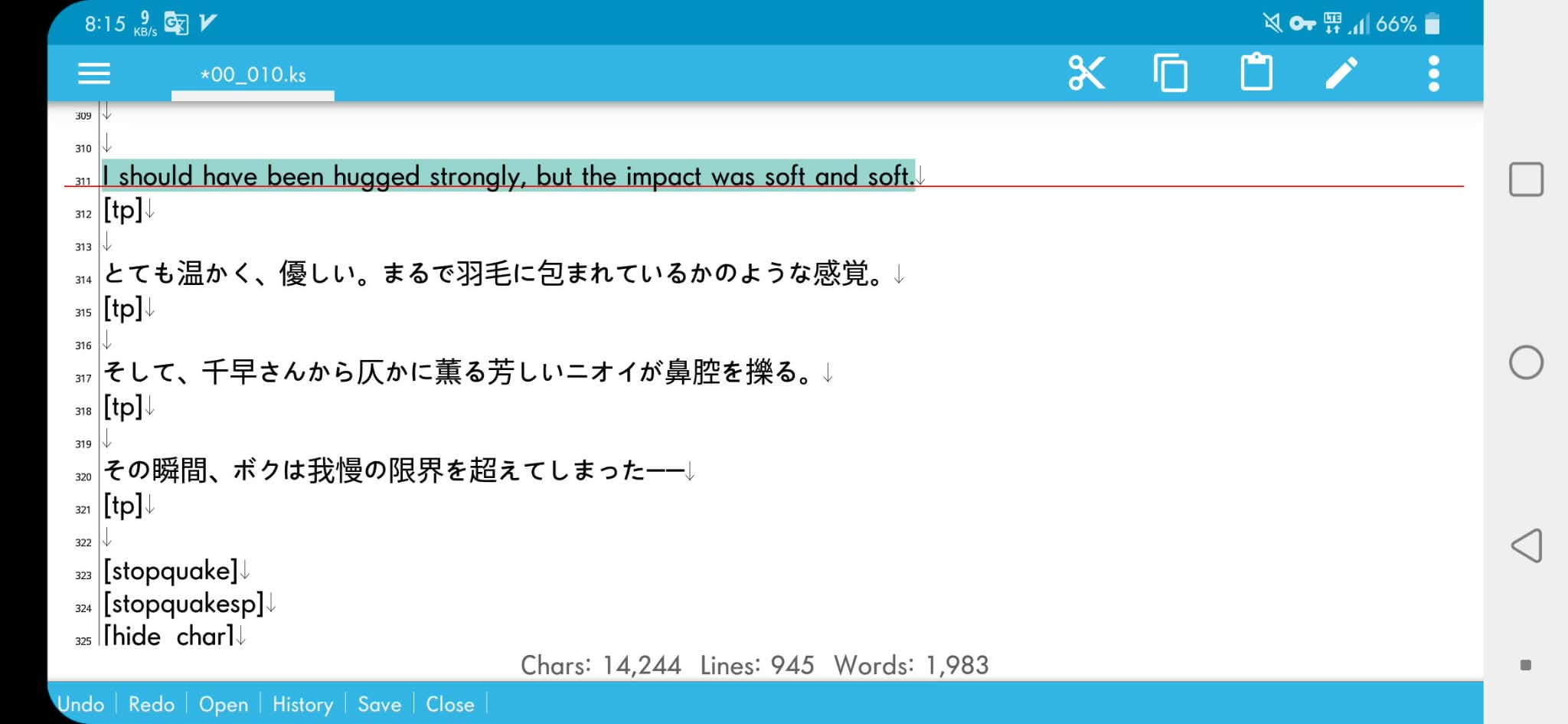
6. Translate all scenario text and save that, other than scenario text don't translate that, you will getting error.
7. After data.xp3 unpacked data.xp3 file can't be repacked, to run game without data.xp3, just tap the folder data.xp3 you already extract.
8. The game will open normaly.
❤️ By Ava Dex